# AI Chat

Here you can explore the AI interface of the Munar agent.

{% hint style="success" %}
The AI chat is available at ➝ [app.munar.ai/agent](https://app.munar.ai/agent)
{% endhint %}

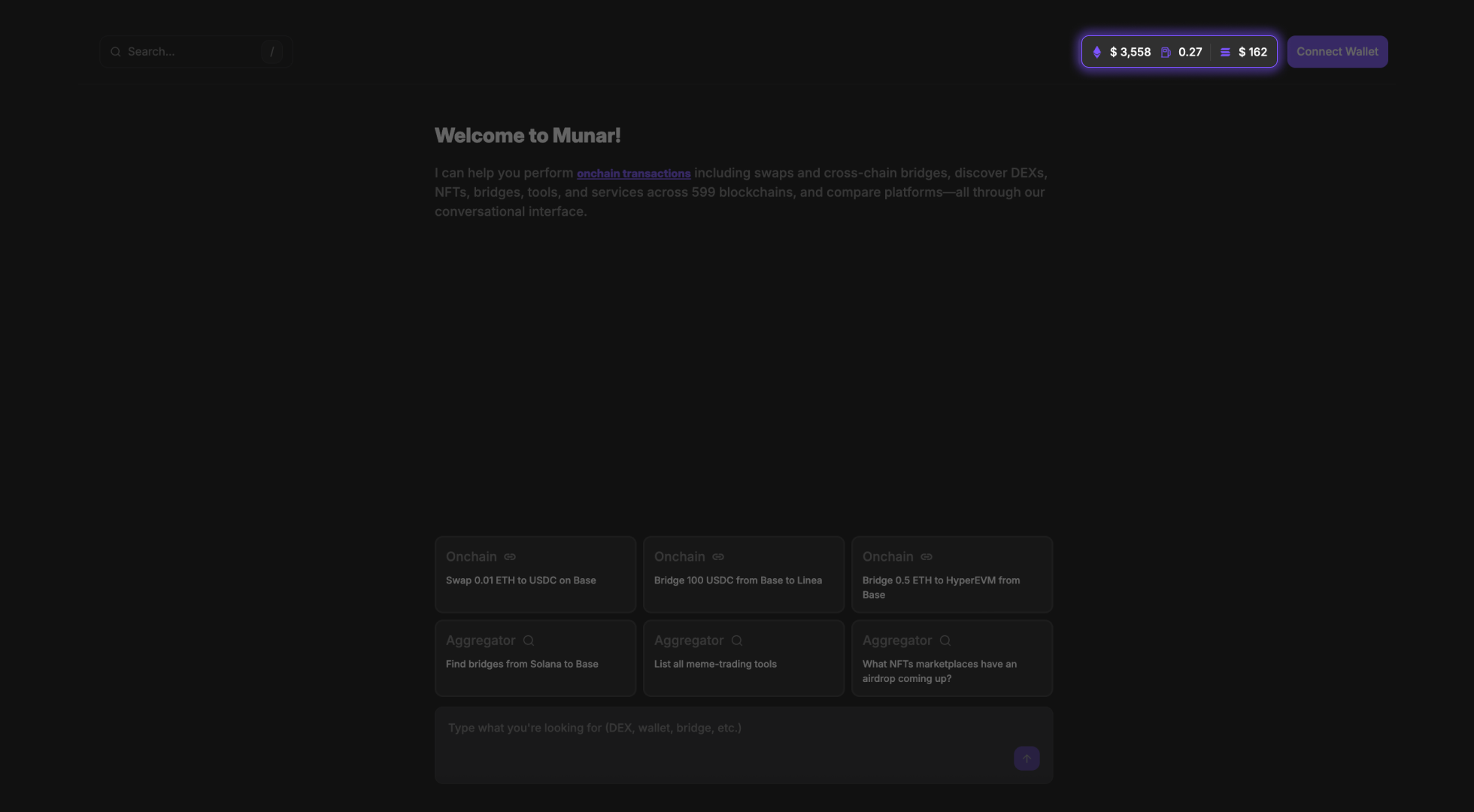
To start interacting with the agent, click **Connect Wallet** in the top right corner and connect your Web3 wallet.

<figure><img src="https://110156126-files.gitbook.io/~/files/v0/b/gitbook-x-prod.appspot.com/o/spaces%2Fmh3WuioHEWmO50V21if6%2Fuploads%2FSja2uZo5CPqjuX8y482o%2Fconono.png?alt=media&#x26;token=706e4cde-d517-4298-b315-485e7d6f3dde" alt=""><figcaption></figcaption></figure>

In the same top right corner, you can also monitor live market data:

* Current $ETH price
* Ethereum gas fees
* Current $SOL price

<figure><img src="https://110156126-files.gitbook.io/~/files/v0/b/gitbook-x-prod.appspot.com/o/spaces%2Fmh3WuioHEWmO50V21if6%2Fuploads%2FARFlgnwI84s2SFUAI7VU%2Fgasysy.png?alt=media&#x26;token=f8771258-72a5-48f5-a19b-d100de87c58c" alt=""><figcaption></figcaption></figure>

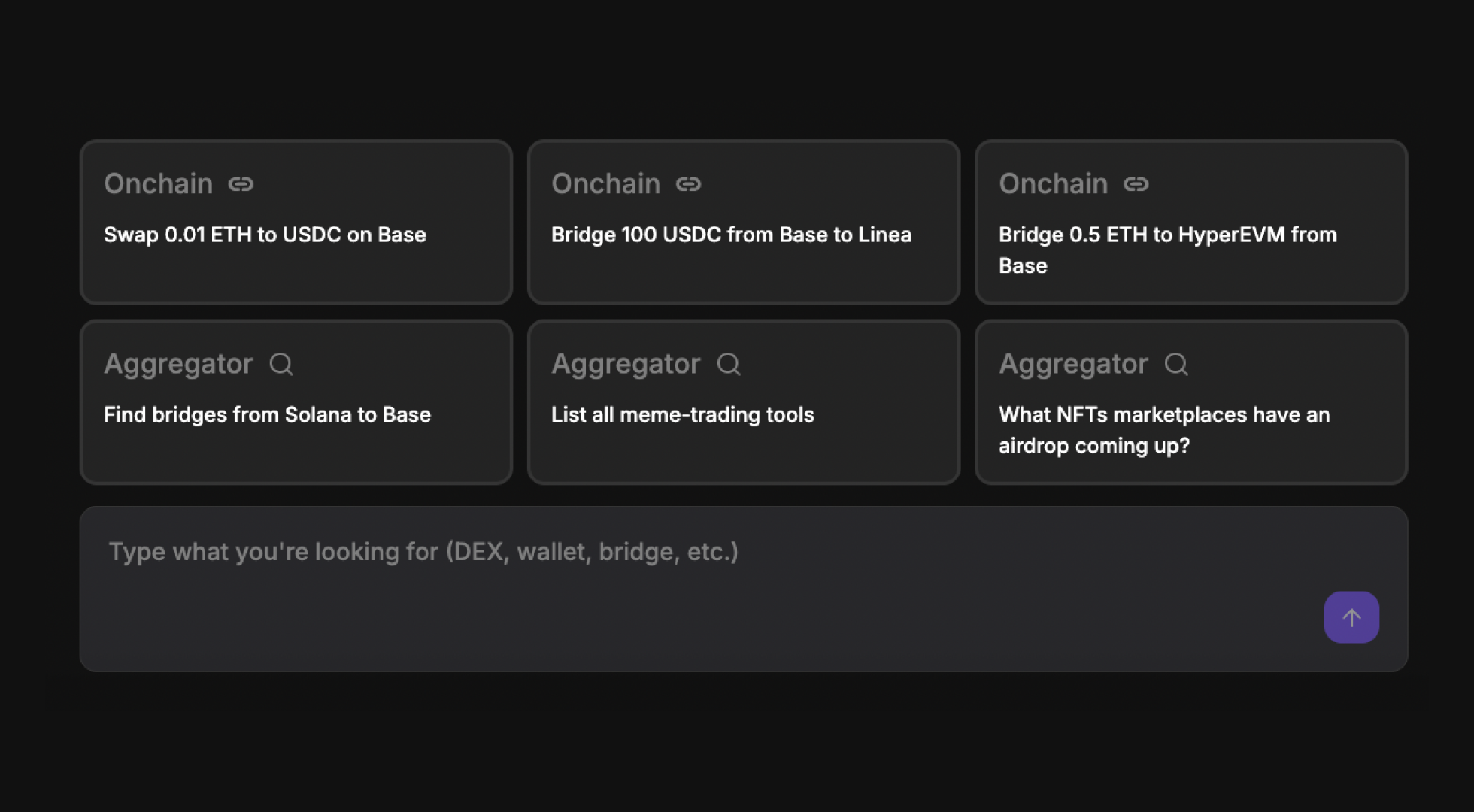
You can begin interacting with the chat either by selecting one of the suggested prompts or by typing your own request.

<figure><img src="https://110156126-files.gitbook.io/~/files/v0/b/gitbook-x-prod.appspot.com/o/spaces%2Fmh3WuioHEWmO50V21if6%2Fuploads%2FgnrsNj0Uzv2xDrRb9h2B%2Fpodo.png?alt=media&#x26;token=97ecfc68-9b25-4c36-9f96-ba522c3aa0eb" alt=""><figcaption></figcaption></figure>

Simply tell the agent what you need and get results instantly. *Just chat…*